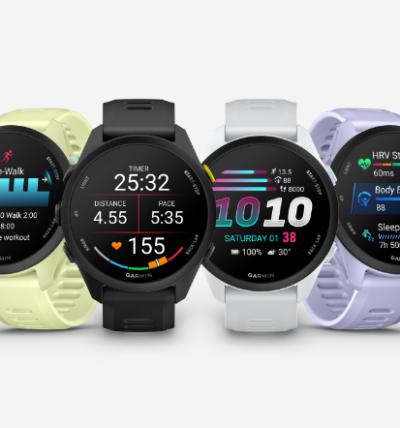



Have you established training zones through a test? Then you should enter these zones so your Garmin watch recognizes them. It makes using the zones easier, and the feedback from your Garmin watch also improves.
How to set the zones in the Garmin Connect app
The zones are set in Garmin's app on your phone - Garmin Connect. If you haven't downloaded it yet, you can find it on either App Store or Google Play here:
Once you open the app, there's a page where you can enter the values from your test report directly.
You can find the page by following these steps:

That's it! Here you enter the values from your test report, and then you're ready to fully benefit from your test. As soon as your phone syncs with your watch, your zones are updated.
Want to know more about training?
I've written an article about training planning, where you can learn what training zones are used for, and what else you should be aware of when planning your running training.
Read the article here: "RUN: How to Train Most Effectively - Get Great Tips in the Article"